Two years ago Lil Sis very kindly dropped a can of Coke on my laptop. It bravely carried on for two more weeks then juuuuuust as I began to think I’d gotten away with it: Ka-Bam! It blew up.
Somewhat undramatically it wasn’t like those big explosions you seen in Road Runner cartoons – more a PFFFFFFFFTTT! noise, then everything went blank.
There was a very tense three-day wait while the computer boffins attempted to save the hard drive (I always picture them doing CPR on the motherboard) but thankfully the laptop Gods obliged and all my data was recovered.
But it was a wake-up call to always back up, back up, BACK UP!!
So when the hard drive failed on my replacement one year later, at least I was prepared this time, right? Erm, wrong.
Because, for all my promises to faithfully back up every single week, I’d slipped straight back into my lazy habits and hadn’t done it for months.
This time they recovered everything… except what I was worried about the most: my precious photos. I’m the memory keeper of the family. The one who documents every event, milestone and funny moment, then spends hours putting all the pictures in order and slotting them into albums.
With those photos gone, so was a big chunk of the girls’ lives.
Thankfully I managed to retrieve the really important ones, via Facebook and the blog. But I could have kicked myself for being so careless.
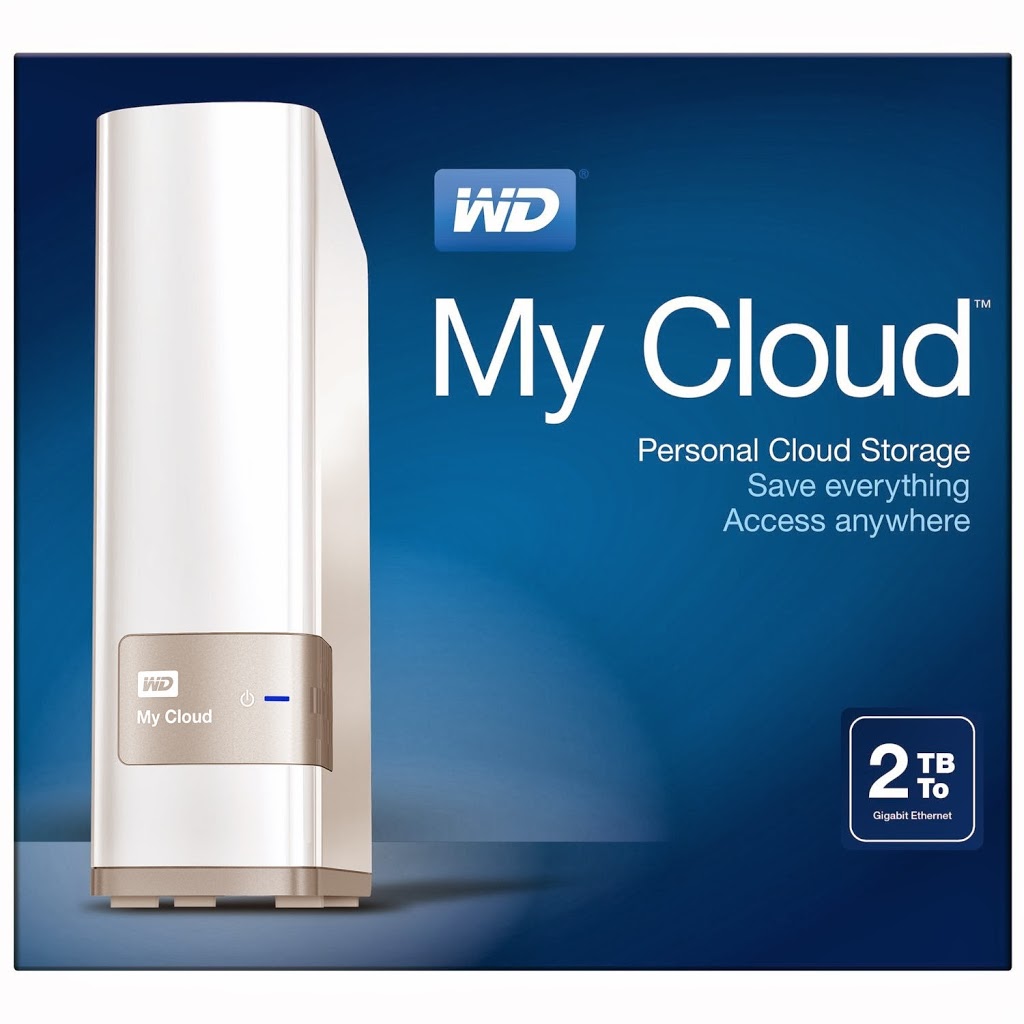
When I first heard about the WD MY CLOUD device, I was paying £10 a month to a cloud-based storage service, so that copies of all my files were safely held outside of the house (I also had an external hard drive, but figured if – worse case scenario – the whole place went up in flames, I’d lose that too!).
This appealed because it seemed to do the same job, but it was a one-off purchase price, the entire household could access it, and the device and the online storage was totally controlled by me.
Basically, you link it up via your home internet, and use the accompanying free apps to set up the sharing software on all your household devices – laptop, iPad, smartphone, etc.
Then you can transfer everything from any and all of those devices over to the one central location; work files, music, photos, movies – the whole shebang! It’s like your own personal Dropbox. You can even stream all your files from the My Cloud, back through your media devices.
But what appealed to me the most was that it also works as an automatic back up. I’ve synched the Time Machine software on my MacBook Pro to My Cloud. Because I’m constantly wirelessly connected I don’t even have to think about backing up – it automatically does it for me.
One less thing to worry about? That gets a big thumbs up from me!
• our wd my cloud was provided for review